How to freeze and unfreeze your dollar card
Freezing your card pauses it, so no new payments can go through until you unfreeze it. It's useful if you think someone has your card details, or you simply want to stop payments for a while.
To freeze your card
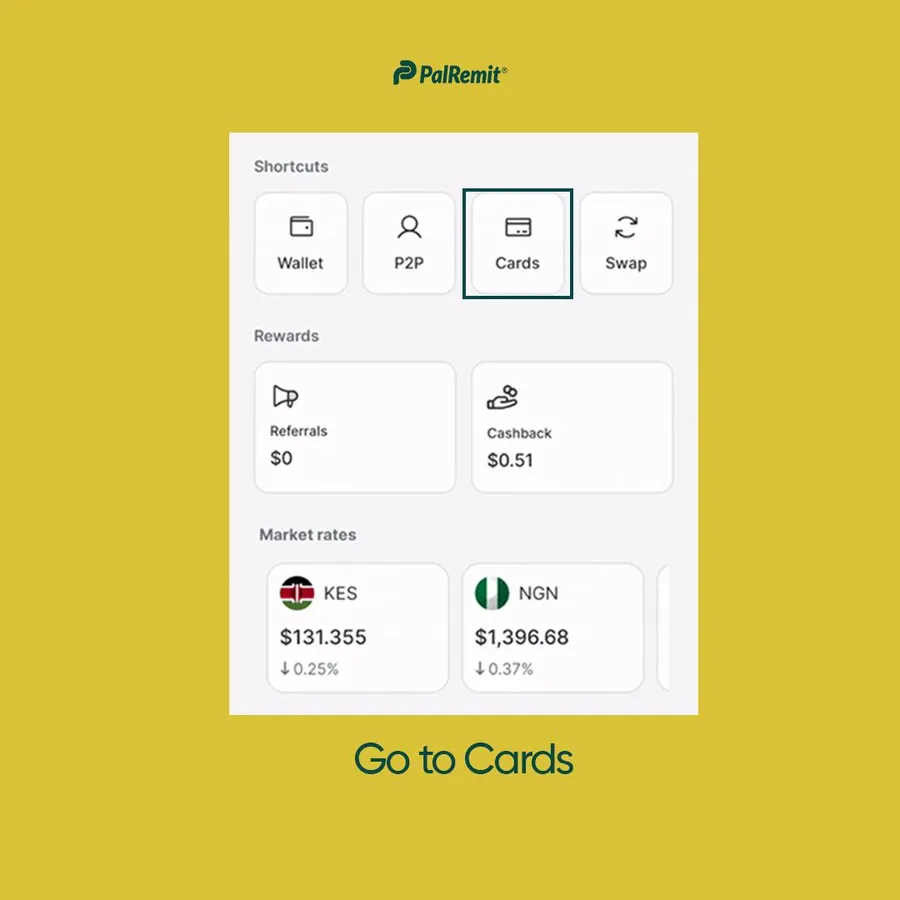
- Open the Palremit app and go to Cards.
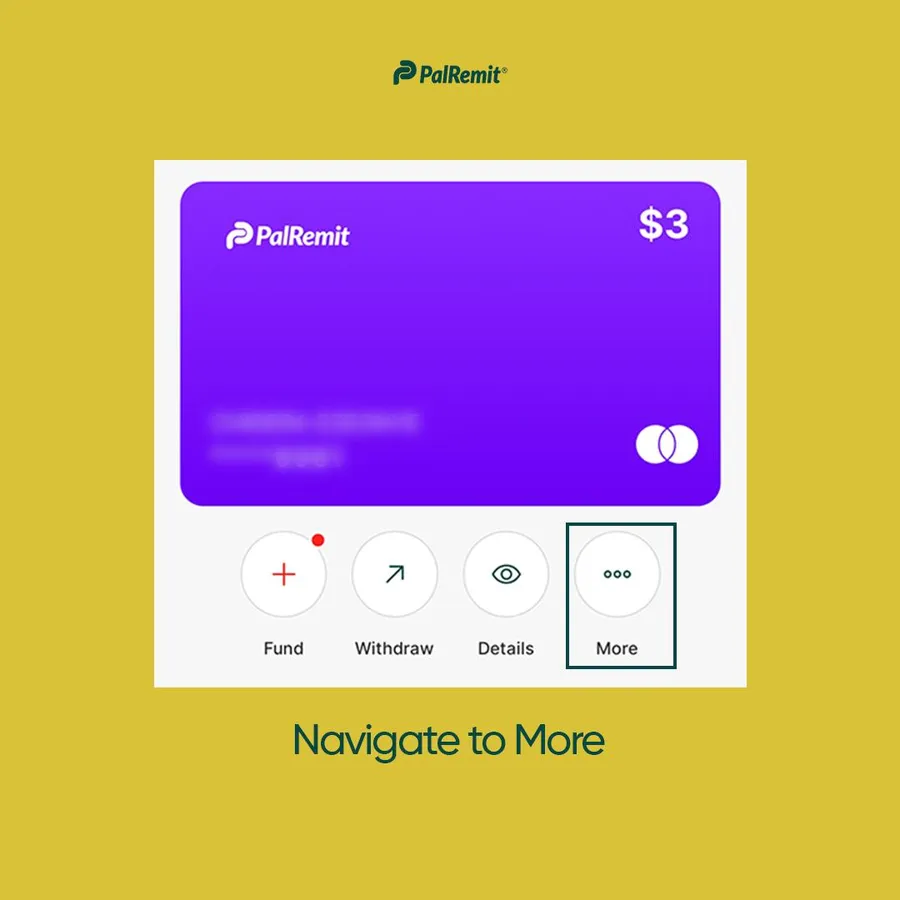
- Open your card and tap More.
- Tap Freeze Card and confirm.
To unfreeze your card
- Go to Cards. In your card list, tap Unfreeze next to the frozen card.
- Or open the card, tap More, then Unfreeze Card, and confirm.
While your card is frozen
- New payments are declined. Declined payments can carry a fee, so pause subscriptions first if you can.
- Recurring payments and subscriptions may stop.
- The card stays frozen until you unfreeze it.
If you froze your card because of suspected fraud, contact support straight away so we can help protect your account.
