How to fund your dollar card
You fund your card from the money in your Palremit wallet. You can't fund it straight from a bank account, so deposit into your wallet first if it's empty.
Steps
- Open the app and go to Cards.
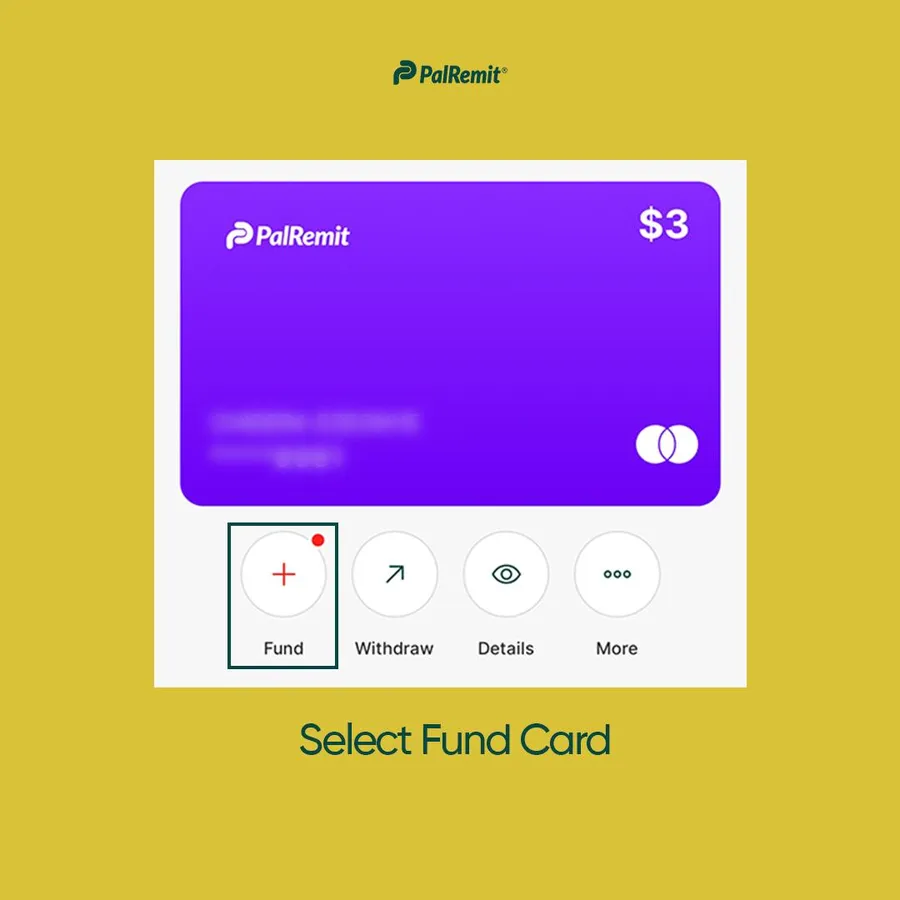
- Open your card and tap Fund.
- Under Choose wallet, pick the balance to pay from. Any fiat or crypto balance in your wallet works, for example NGN, USD or USDT.
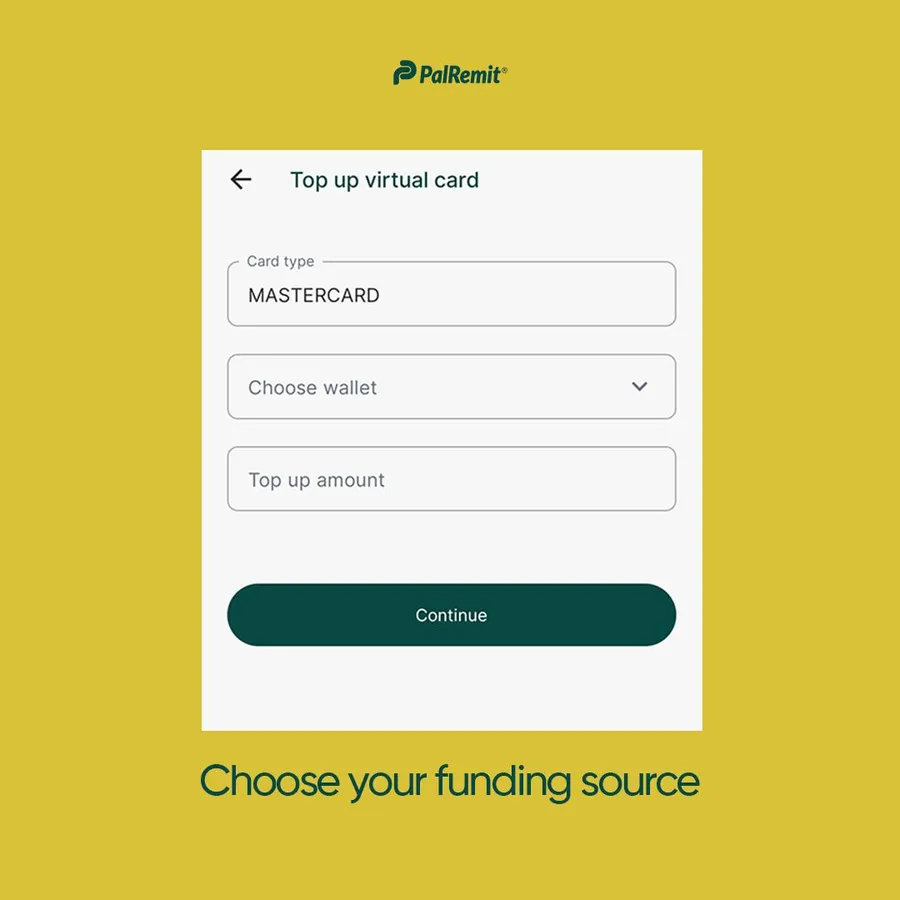
- Enter the top-up amount. If you pay from a balance that isn't USD, the app converts it to dollars and shows the exchange rate.
- Check the amount and the fee, then confirm.
Card funding is instant, so the new balance shows on your card straight away.
The funding fee is listed in card fees and limits.
