How to deposit naira
Once you've verified your identity, you get your own naira account number. Any bank transfer to it lands in your Palremit NGN wallet.
Steps
- On the home screen, tap Deposit.
- Pick NGN.
- Copy your account number. The bank name and account name are shown with it.
- Send money to it from any Nigerian bank app.
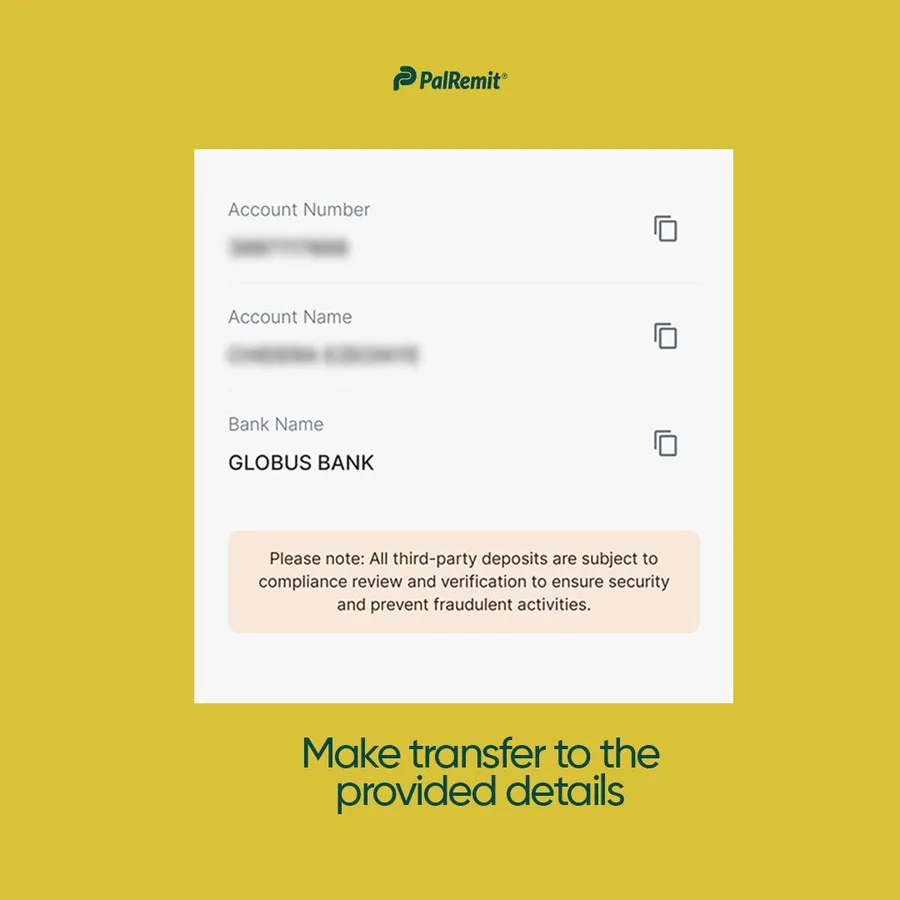
The money shows in your NGN balance once the transfer completes.
Tips
- Transfer only to the account number shown in your app.
- Some fintech wallets don't support the standard bank transfer network (NIP). If your transfer doesn't arrive, check with the sending app.
- Another Palremit user can also send you naira straight to your Palremit ID. See send money to another Palremit user.
