How to deposit and send Kenyan shillings
You can add Kenyan shillings (KES) to Palremit from mobile money, and send KES to mobile money accounts in Kenya.
Deposit KES
- On the home screen, tap Deposit and pick KES.
- Enter the amount, your mobile number, your mobile money provider and the reason for the payment.
- Tap Continue, then approve the payment request that pops up on your phone.
The money shows in your KES balance shortly, depending on the provider.
Send KES to mobile money
- On the home screen, tap Cash Out and pick KES.
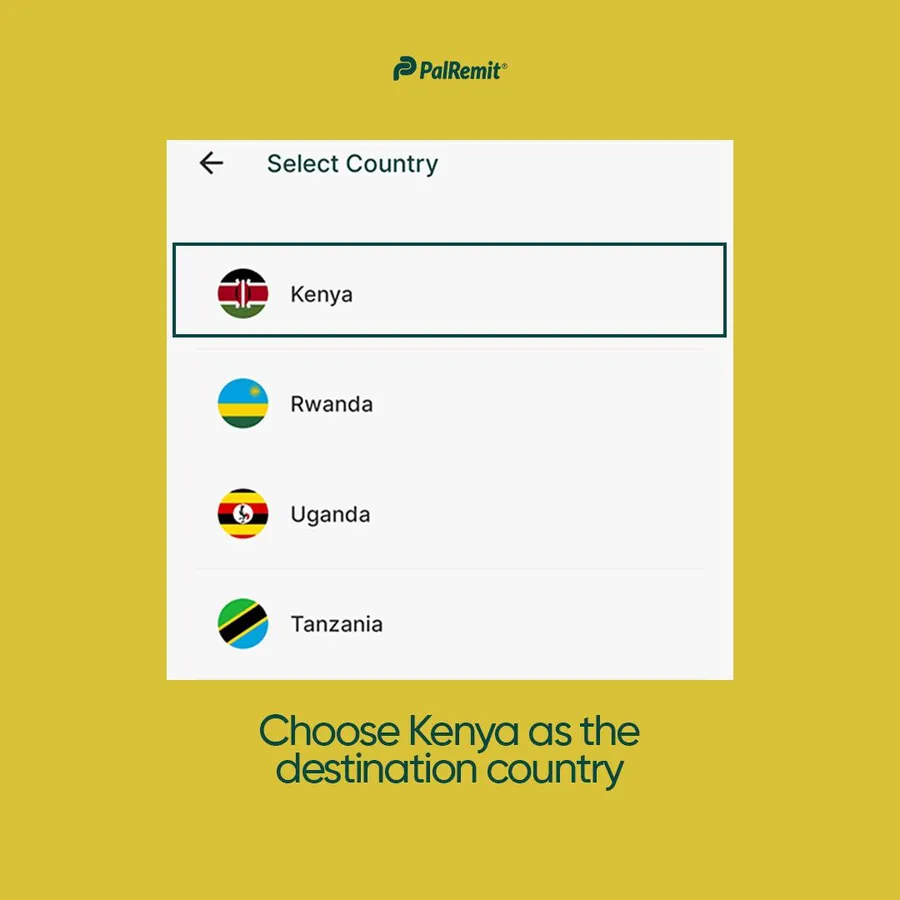
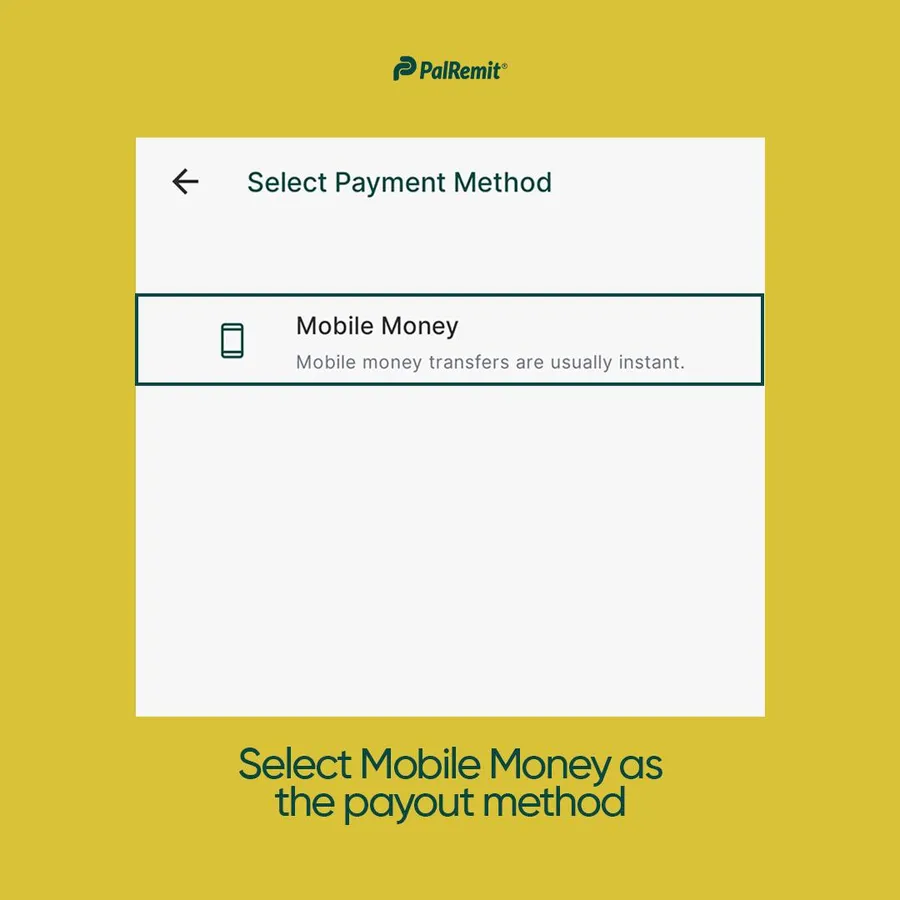
- Choose Kenya as the destination and Mobile Money as the payout method.
- Pick a saved beneficiary or add a new one: their phone number, mobile money provider and account name.
- Tap Continue and enter your transaction PIN.
The recipient usually gets the money within minutes, depending on the mobile money network.
