How to withdraw from your dollar card
Withdrawing from your card moves money from the card back into your Palremit wallet. From there you can swap it, send it or cash it out to your bank.
Steps
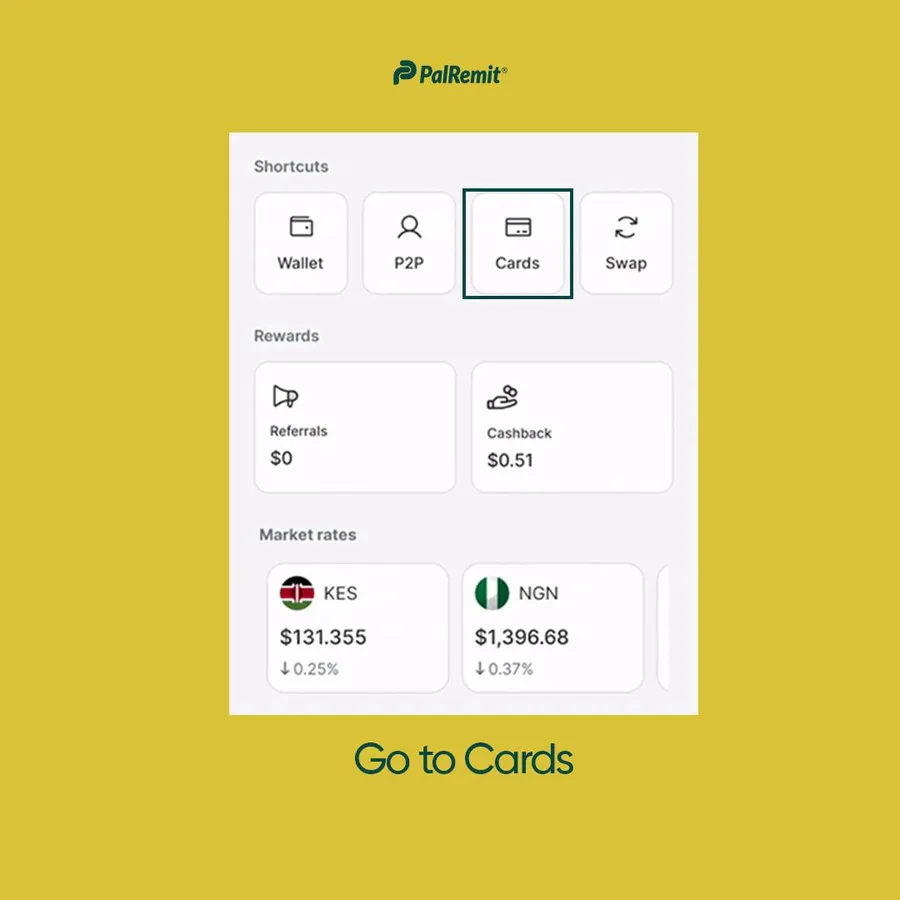
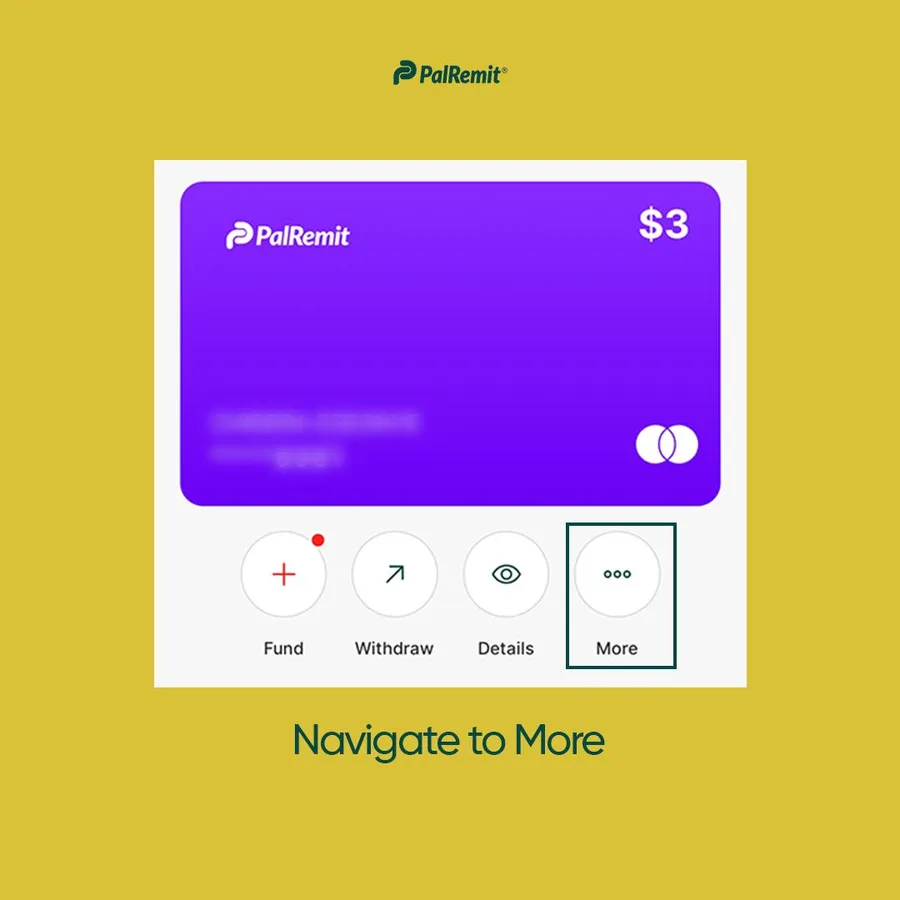
- Go to Cards and open your card.
- Tap Withdraw.
- Under To, pick the wallet balance the money should go to, for example USD or NGN.
- Enter the amount. The minimum is $5.
- Check the fee and confirm.
Each card withdrawal has a fee. See card fees and limits.
The card is made for online payments, so it can't be used to take out cash.
