How to Sell USDT for Naira in Nigeria Using Palremit
Deposit USDT into Palremit on the right network, swap it to naira at the rate shown in the app, and withdraw the NGN to your Nigerian bank account.
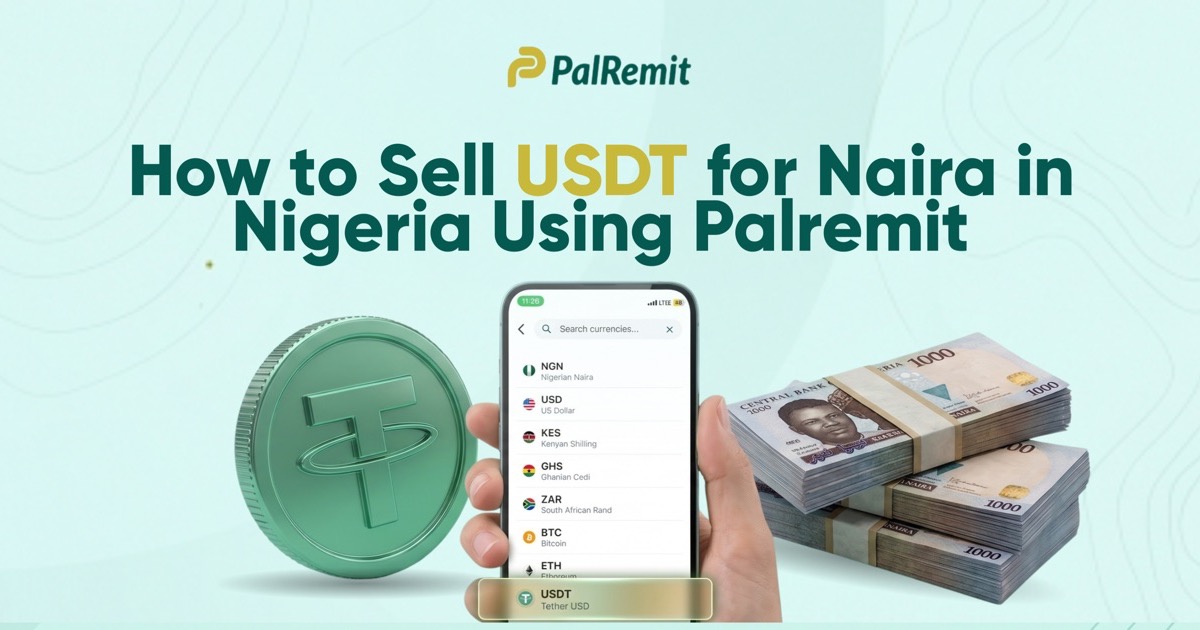
You have USDT in your crypto wallet, but your electricity bill, rent or bank transfer needs naira. To sell USDT for naira in Nigeria, you can deposit your USDT into Palremit, swap it to NGN at the rate displayed in the app, then withdraw the naira to your bank account. You can do the conversion and cash-out without finding an individual buyer.
The steps are straightforward. The part worth paying attention to is the network you use to send your USDT and the amount of naira you will actually receive. Get those right, and the rest is easier.
How to sell USDT for naira on Palremit
Palremit combines a crypto wallet, currency swap and local bank withdrawal in one app. Whether your USDT came from freelance work, a payment from someone abroad or an existing crypto balance, the process starts by getting it into your Palremit wallet safely.
1. Open Palremit and verify your account
Open Palremit and create an account if you don't already have one. Complete the identity-verification steps. Palremit requires verification before you can deposit, swap and withdraw, and your account tier determines your transaction limits.
If you already have an account, sign in and check that it is verified before moving your funds. You don't want to send crypto and only then discover that you need to complete an outstanding account check.
2. Get your USDT deposit address and choose the network
In the app, tap Deposit, select USDT, and view your personal deposit address and the supported blockchain networks for that asset.
Do not copy the address until you've checked the network. USDT can exist on more than one blockchain. For example, a wallet sending USDT on the Tron network must use the corresponding USDT deposit network supported by the receiving app. A transfer sent using an incompatible network can lead to lost funds.
Palremit currently supports USDT and USDC deposits across nine networks, but you should select a network that is available for USDT in your own app, not assume that every listed network accepts every asset. Copy the address shown after choosing the correct option. If the app provides any additional required deposit information, follow it exactly.
3. Send USDT from your current wallet
Open the exchange or wallet where your USDT is held. Choose its withdrawal or send option, paste your Palremit USDT deposit address, and select the same network you chose in Palremit.
Before confirming, check the first and last characters of the address, the asset, the network, and the amount. Look at any network fee shown by the sending wallet as well; that fee is separate from the exchange rate you'll see later when you swap.
If this is your first time moving USDT between the two apps, consider a small test transfer where the minimums and network charges make that practical. Once you send, wait for the blockchain to confirm the transaction and for your Palremit balance to update. Confirmation time can vary with the network and its conditions.
4. Swap USDT to Nigerian naira (NGN)
Once the USDT appears in your Palremit balance, tap Swap. Select USDT as the currency you're converting from and NGN as the currency you want to receive. Enter the amount of USDT you want to sell.
On Palremit you will see the exchange rate and the resulting naira amount before you confirm. Check both, along with any applicable charges. If the quote makes sense for you, authorize the swap. The converted naira is credited to your NGN balance, ready for the next step.
You can swap only the portion you need. If you received 200 USDT but need naira for a particular bill, you don't have to sell all 200 simply because you transferred it into your Palremit account.
5. Withdraw the naira to your Nigerian bank account
From your NGN balance, choose the option to send or withdraw to a bank account. Enter the bank and recipient details the app requests, select the amount, and verify the account information before you confirm.
Once the withdrawal is submitted, follow its status in the app and check your bank account for the credit. Bank processing, holidays and additional checks can affect the arrival time. If a transfer hasn't arrived within the period shown in the app, contact in-app support with the transaction reference.
That's the complete journey: USDT in → NGN balance → Nigerian bank account.
What exchange rate will you get for USDT in Nigeria?
There isn't one fixed USDT-to-naira rate that applies to every transaction. The quote can change with market conditions and the amount you're converting. The useful number is the naira amount after any applicable conversion or withdrawal charges, not just a headline rate.
Here's an illustration, not a live Palremit quote. If an app offered ₦1,400 per USDT and you swapped 100 USDT, the amount before any charges would be ₦140,000. If the rate were ₦1,380, that same 100 USDT would be ₦138,000 before charges. The difference is ₦2,000, even though the rate differs by only ₦20.
That is why it's worth reviewing the amount shown on the confirmation screen. Before tapping Swap, ask yourself: How much USDT am I giving up? How much NGN am I receiving? Are there fees on the swap or the later bank withdrawal?
On Palremit you will see the quote before you confirm, so you can make the decision using the current figures rather than an exchange rate you saw in a social-media post yesterday.
Why use Palremit instead of arranging a private USDT sale?
You might already have a buyer offering to send naira in exchange for your USDT. That can sound convenient, but it requires you to coordinate with another person, agree on the exact amount, and make sure payment is genuinely settled before releasing crypto. Screenshots and payment alerts alone are not proof that money has reached your account.
Palremit works differently. You deposit the USDT into your own app wallet, review the conversion quote and exchange it to an NGN balance. From there, you can withdraw to a bank without negotiating a separate private deal for that swap.
That doesn't mean you should skip basic checks. Verify the deposit address, understand the fees, keep your transaction reference and make sure you're using the official app. But for someone whose real goal is simply to turn USDT into spendable naira, the direct conversion route is easier to follow.
Three things that can delay your USDT-to-naira withdrawal
A delayed transaction does not always mean a failed one. Where it gets held up can tell you what to check next.
The USDT deposit hasn't appeared. First check the transaction in the sending wallet or on the relevant blockchain explorer. Confirm that the network matches your Palremit deposit instructions and that the transaction has the required confirmations. If it is confirmed but the balance is still missing, contact support with the transaction hash. Do not send another transfer to "fix" the first one.
The swap amount isn't what you expected. Rates move, and the amount a sending wallet deducts can differ from what arrives after its network fee. Use the USDT balance actually credited in Palremit, then compare the displayed quote and charges before confirming the swap.
The naira hasn't reached your bank. Check whether the NGN withdrawal is pending or completed in the app. Verify the recipient details and allow for the status or processing estimate shown. If it shows completed but your bank has not credited you, share the transfer reference with support for investigation.
Frequently asked questions
Can I sell USDT directly to my Nigerian bank account?
A Nigerian bank account receives naira, not USDT tokens. To cash out, first convert your USDT into NGN through a service that supports both currencies, like Palremit. Then withdraw the NGN balance to your bank account.
Which network should I use to deposit USDT?
Use a network supported for USDT by both the sending wallet and your Palremit deposit screen. A network being available for another token doesn't automatically make it suitable for your USDT. Double-check before sending because blockchain transfers generally cannot be reversed.
How long does it take to sell USDT for naira?
The swap itself happens after your USDT has arrived and is available in Palremit. Blockchain confirmation and bank withdrawal can take additional time depending on the network, transaction checks and bank processing. Use the status information shown in the app for your particular transfer.
Can I sell just part of my USDT balance?
Yes, subject to the minimums and limits displayed in your account. Enter the amount you want to convert when setting up the swap, review the NGN quote, and keep the remaining USDT in your balance if you don't want to convert it yet.
Is there a fixed Palremit USDT-to-NGN rate?
No. Rates are variable. Open the Swap screen to see the current rate, any charges and the naira amount for your transaction before deciding to proceed.
Your USDT is useful when you can actually spend it
A USDT balance can be valuable for receiving payments or holding funds, but when you need to settle a bill in Nigeria, the amount that matters is what reaches your naira account. Palremit gives you a route from the USDT you already own to NGN you can send to your bank, while letting you check the conversion before you commit.
Have USDT ready to cash out? Open Palremit, deposit on the matching network, tap Swap, choose NGN, and see how much naira you'll receive.