How to create a Palremit account
You can open a Palremit account in a few minutes from your phone.
1. Download the app
Palremit is on both Google Play for Android and the App Store for iPhone and iPad.
2. Sign up
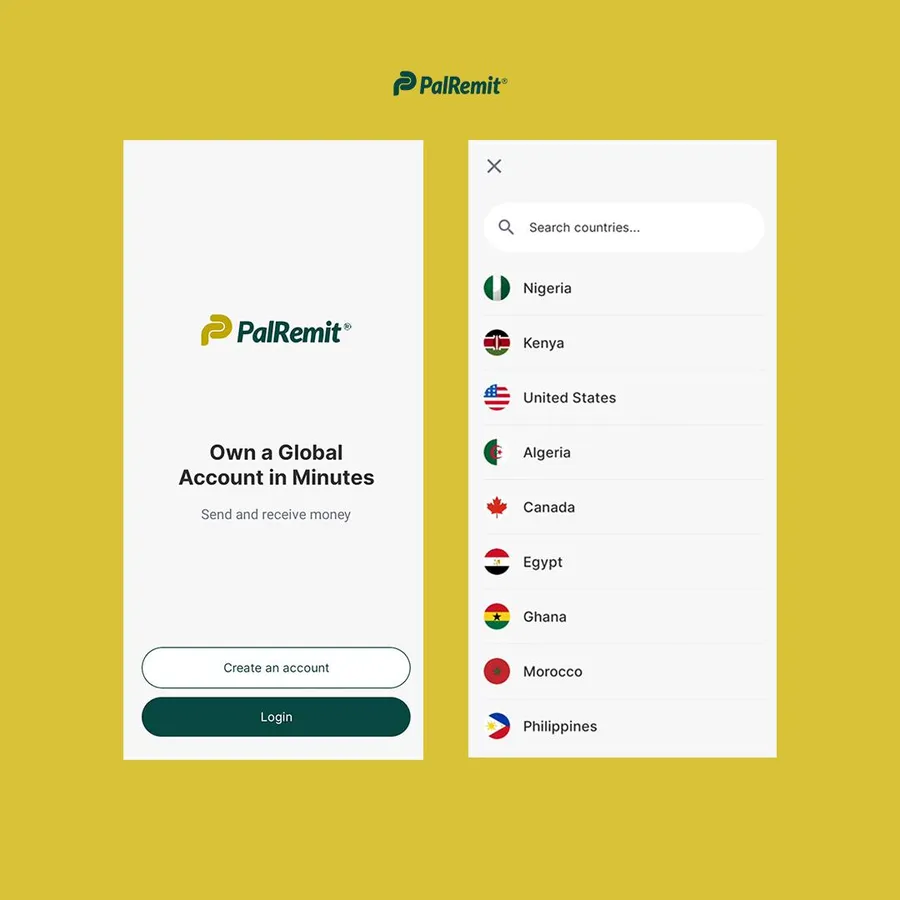
- Open the app and tap Create an account.
- Pick your country.
- Enter your email address and create a password.
- Enter the verification code we email you. If it doesn't arrive, check your spam folder.
- Enter your name exactly as it appears on your ID. Your name has to match your documents when you verify your identity, so don't use a nickname.
- Add your phone number and, if a friend invited you, their referral code.
3. Verify your identity
Before you can deposit, send or create a card, you need to verify your identity. See how to verify your identity.
4. Set your Palremit ID and PIN
- Your Palremit ID is the username other users send money to. See your Palremit ID.
- Your 4-digit transaction PIN approves payments. See PIN and password.
