Reset your password or transaction PIN
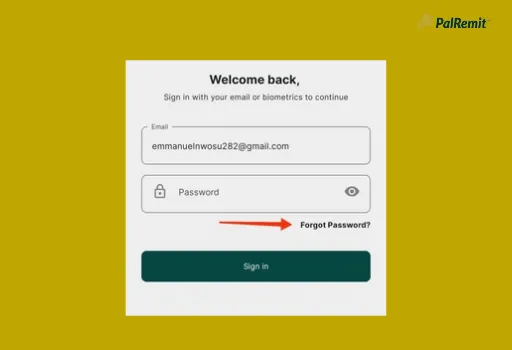
Forgot your password
- On the sign-in screen, tap Forgot Password.
- Enter the email address on your account.
- Follow the email to set a new password.
Reset your transaction PIN
Your 4-digit transaction PIN approves payments and withdrawals.
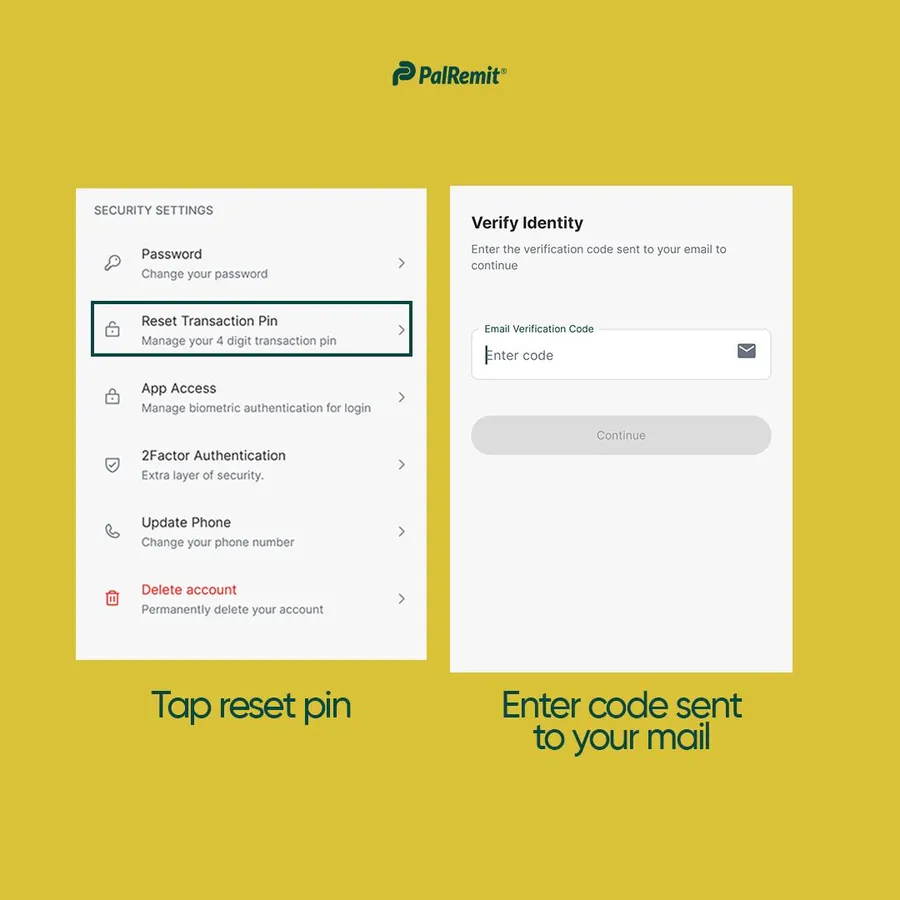
- Open Settings and tap Security.
- Tap Reset Transaction Pin.
- Enter your password and the code we email you (and your 2FA code, if you've turned 2FA on).
- Enter your new PIN twice and save.
Keep your PIN safe
- Never share your PIN or password with anyone, including people who say they work for Palremit. We will never ask for them.
- Don't use an obvious PIN like 1234 or your birth year.
- Turn on biometric login too.
