Transaction history and receipts
See your transactions
On the home screen, scroll to Transactions and tap See all, or open a currency in your Wallet to see only that currency's transactions.
Download or share a receipt
- Open the transaction.
- Tap Share Receipt.
- Choose Share as Image or Share as PDF.
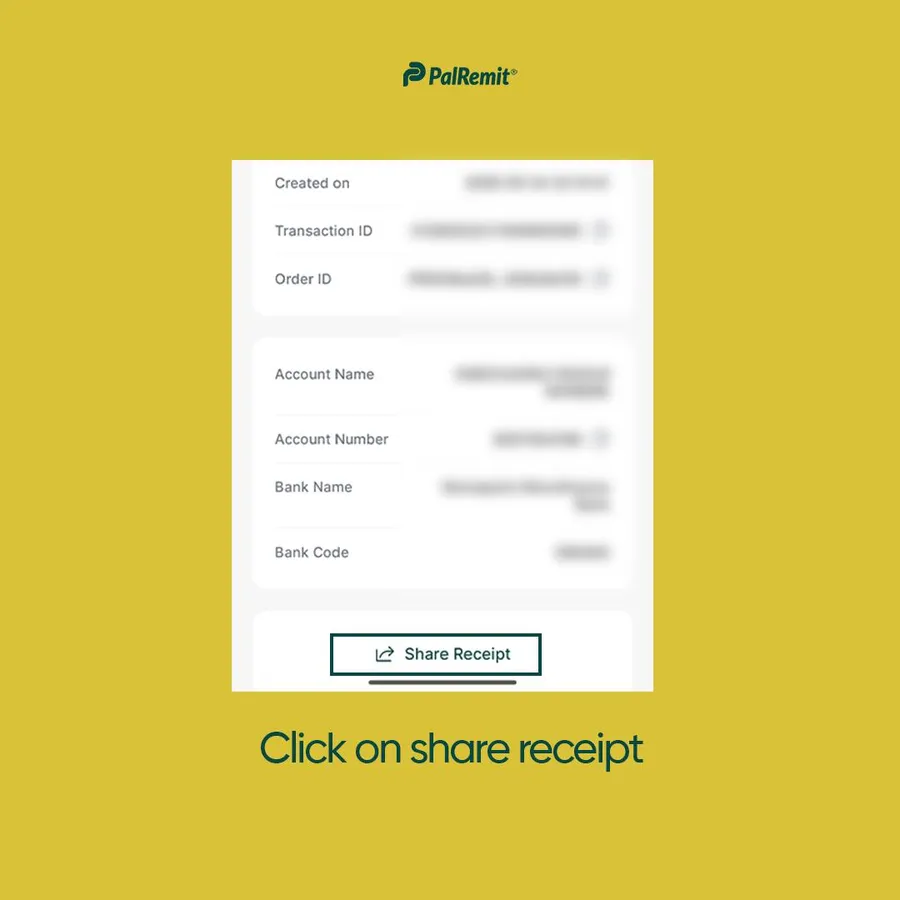
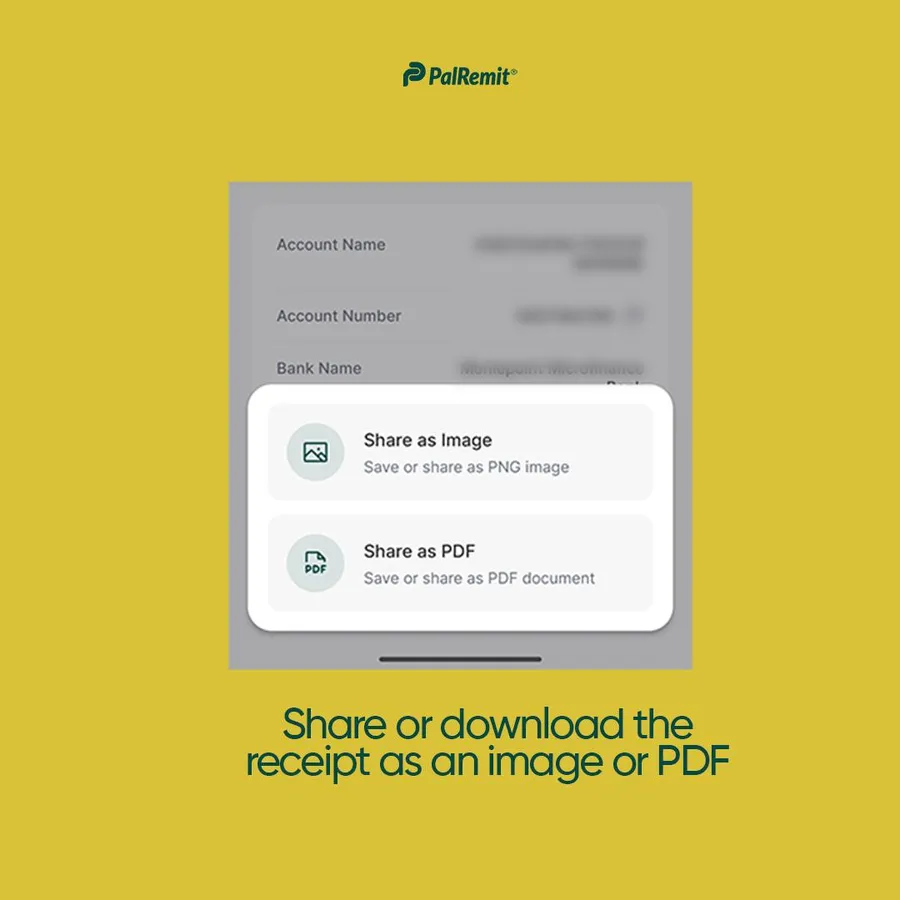
A receipt shows the amount, the sender and recipient, the method, the date and time, any note, and the reference ID.
What is a reference ID?
Every transaction gets a unique reference ID. It's how we and our partners trace a transfer, so include it whenever you contact support about a transaction.
