How to turn on biometric login
Biometric login lets you open the Palremit app with your fingerprint or face instead of typing your password. It helps keep your account safe if someone else picks up your phone.
Steps
- Open Settings and tap Security.
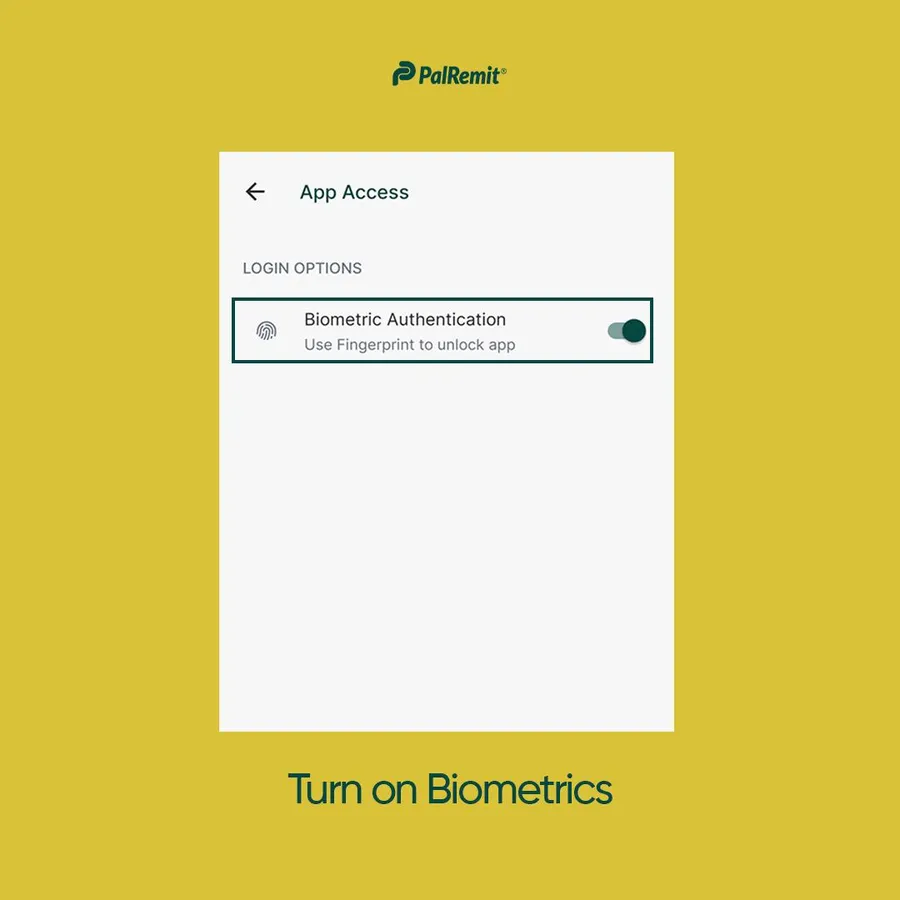
- Tap App Access.
- Turn on Biometric Authentication.
Next time you open the app, you'll be asked to confirm with your fingerprint or face.
For more ways to protect your account, see the account security checklist.
